DivePort AI
As of DivePort 8.0(11), DivePort has integrated AI functionality. This AI functionality is accessible through the AI Chat window. To access the AI Chat window:
-
Navigate to a page with AI functionality enabled.
-
Click the AI Chat icon (
 ).
).The
 AI Chat window opens.
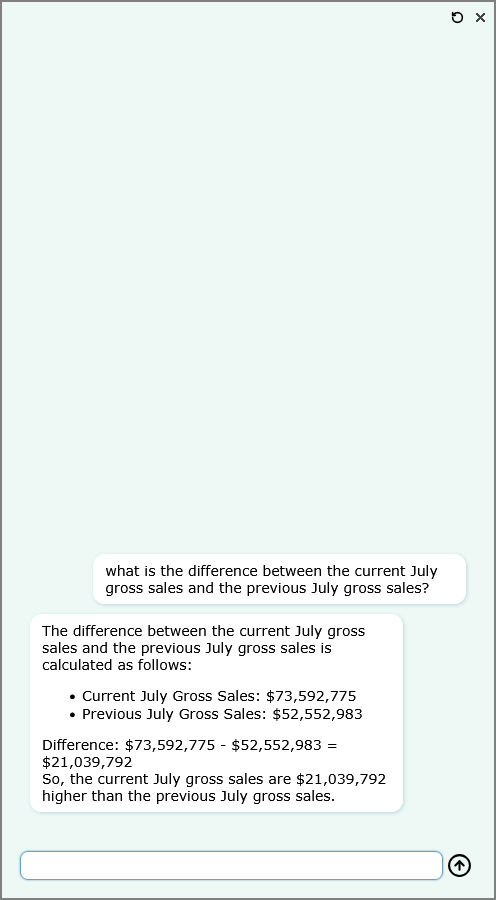
If you want to clear the current conversation with DivePort AI and start a new conversation, click the Start a new conversation icon ( ) in the top-right corner of the chat window. All DivePort AI conversations are saved, with an LLM-summarized title based on the content of the conversation. To view a previous conversation, click the Conversation history icon (
 )in the top-right corner of the chat window.
For information on how to add AI functionality to pages, and how to configure AI functionality, see:
-
DivePort AI Settings—How to configure AI in a DivePort environment.
-
DivePort AI Tools—What built-in tools are available for use in an AI chat.
-
DivePort AI Actions—How to configure AI actions on a DivePort page.