Syncing updates the DiveTab on your device to reflect changes and additions made to the DiveTab on the server. Syncing often when developing a DiveTab project allows you to keep an eye on content designed for the user. Syncing gives the user the most up to date version of the DiveTab project.
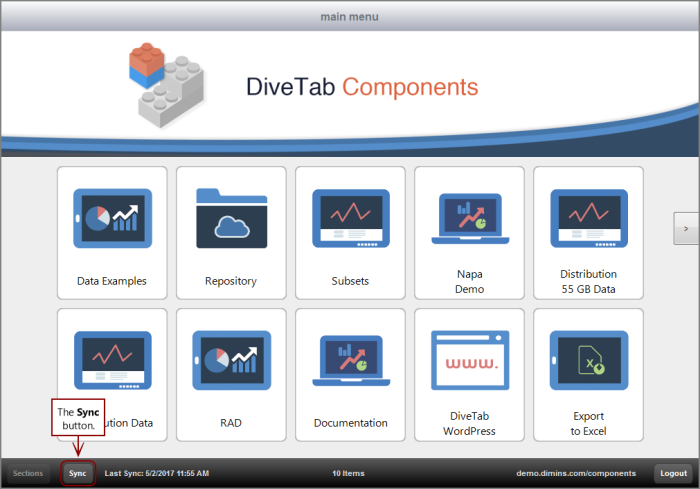
The  Sync button in DiveTab is available in the lower left.
The Sync Files button, used by repository area pages, is used to synchronize content to your device.
Here is an example of a repository page before the Sync Files button is selected.

Notice that several files are set to ON for Local. This indicates that they are to be stored locally on your device. Keep in mind that you must select Sync Files before the files are downloaded.
Here is the same repository page after the Sync Files button is selected.
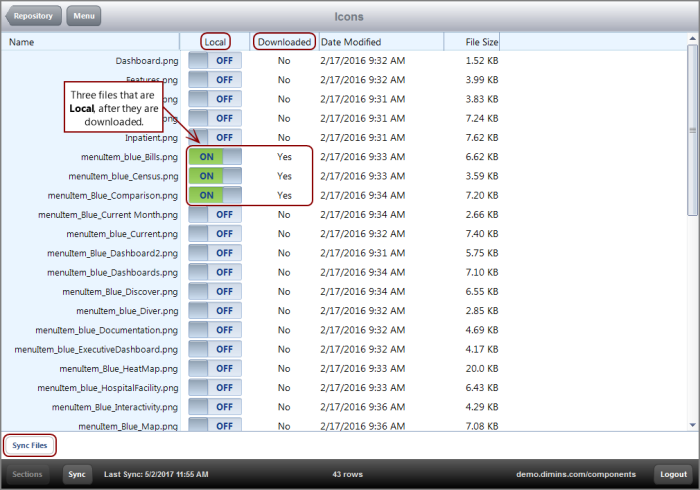
Notice that the files set to ON for Local now show Yes under the Downloaded folder. This indicates they are downloaded to the device.
See also: