Downloading the Server Installation Package
You can download purchased software from the Dimensional Insight website.
NOTE: Administrative privileges are required to install the software.
-
Using a web browser, go to the Dimensional Insight website:
http://www.dimins.com. -
On the
 home page, click Sign In.
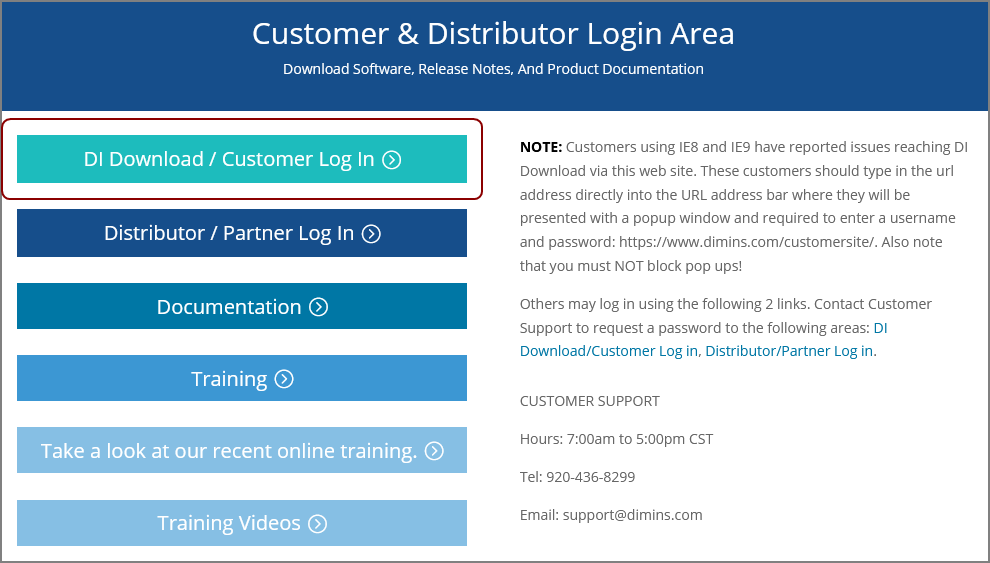
The Customer & Distributor Login Area page opens.
-
Click
DI Download / Customer Log In. The
Authentication Required dialog box opens. -
Enter your User Name and Password, and click OK.
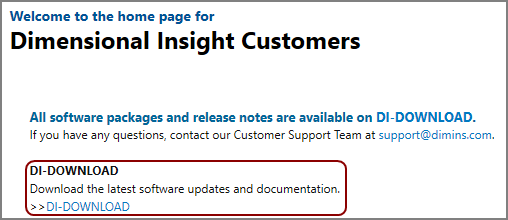
The Dimensional Insight Customers home page opens.
-
Click
DI-DOWNLOAD. The
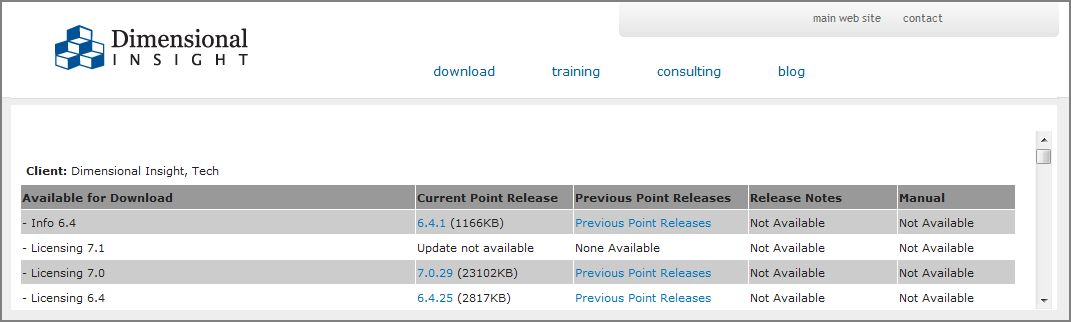
software and documents download page opens. -
Locate the latest version of the 8.0 software that you purchased, and click the
blue version number.
The
Opening download verification dialog box opens.
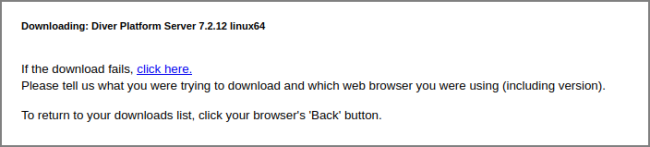
The
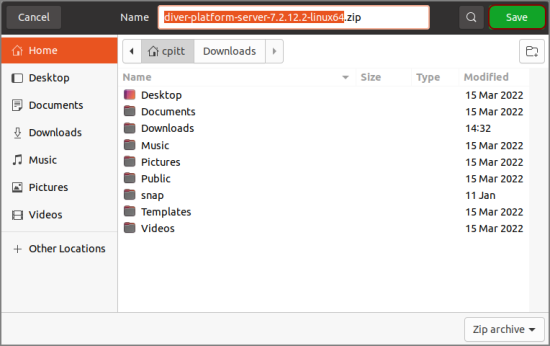
Downloading page opens in the browser. If the Opening dialog box does not open automatically, follow the instructions on the page: -
Save
The Diver Platform Server software package zip file downloads to the Downloads directory on the local computer.
NOTE: Most browsers enable you to configure the download location for files downloaded from the Internet. For example, if you are using the Firefox browser
- If necessary, move the zip file to the Linux server.
-
On the Linux server, enter the following command to move the zip file to the /di/platform/downloads directory:
sudo mv diver-platform-server-<version number>-linux64.zip /di/platform/downloads