About the DivePort Interface
Simplified Interface
DivePort displays the simplified interface by default.

 SideBar that shows the menu items in a navigation tree view.
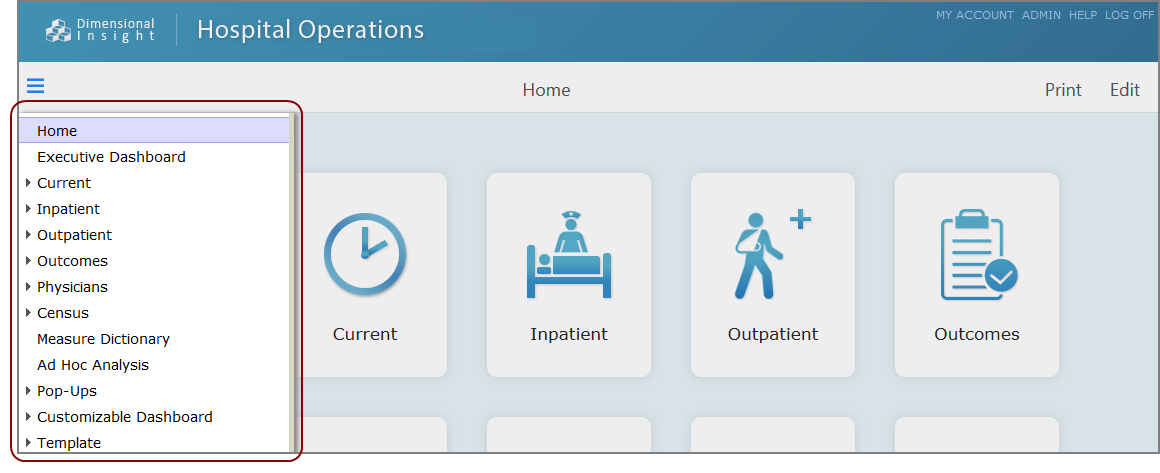
My Library Interface
The My Library interface uses expandable menus which are grouped by environments to navigate

The top navigation panel is dynamic. Its appearance depends on the page that you have selected to view.
The large button on the left side of the top navigation panel is a menu selector. Typically it shows the selected environment and shelf, and the buttons next to it are links to the pages in that shelf. The button for the selected page is highlighted. The following example shows that the Outcomes Advisor environment, Outcomes Summary shelf, and ALOS page are open.

Click the menu selector to open the My Library menu panel in a popup window. The menu panel lists the portal environments, shelves, and pages.

NOTE: The menu panel shows a tabular view of the portal hierarchy. Environments are section headings, top-level pages (shelves) are listed on the left column, and the next level of pages fill out the row.
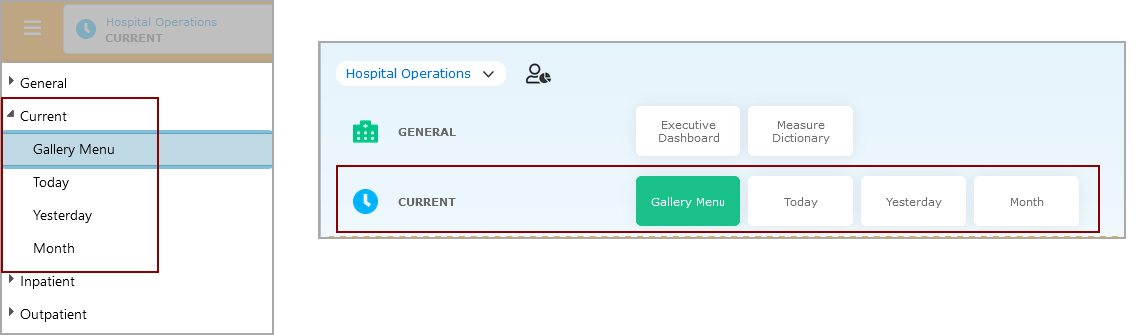
A SideBar is available to administrators only.
Classic Interface
The classic interface presents menu items as tabs and expandable lists.
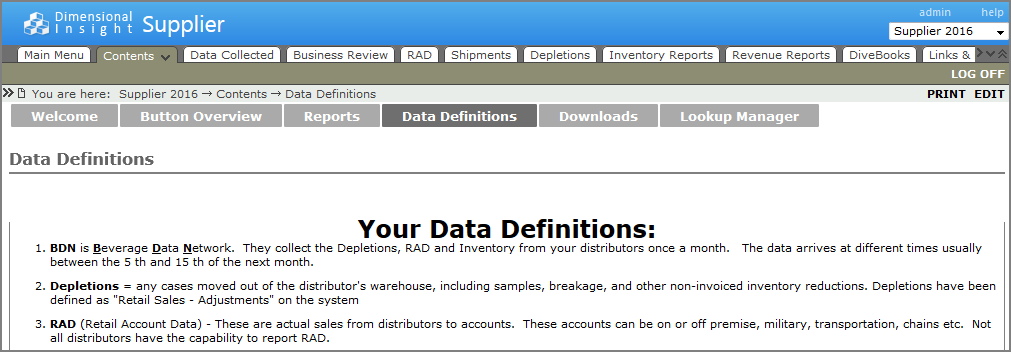
A SideBar is available on this interface as well.

See also: