About the DivePort Interface

DivePort offers you a choice of two options to use as a user interface. Each user interface provides a different method of navigation and a distinct appearance.

Simplified Interface

DivePort displays the simplified interface by default.
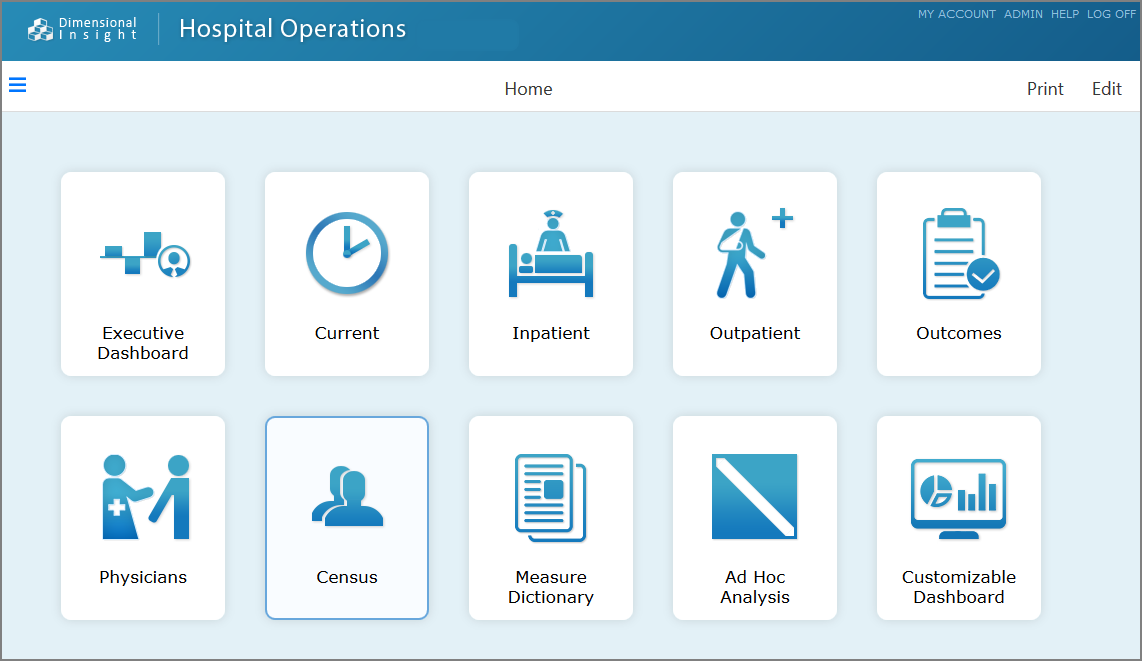
The simplified interface home page presents menu items as labeled graphics or buttons that you can click to navigate portal pages.

A DivePort page using the Simplified Interface.

Optionally, you can open a ClosedSideBar that shows the menu items in a navigation tree view.
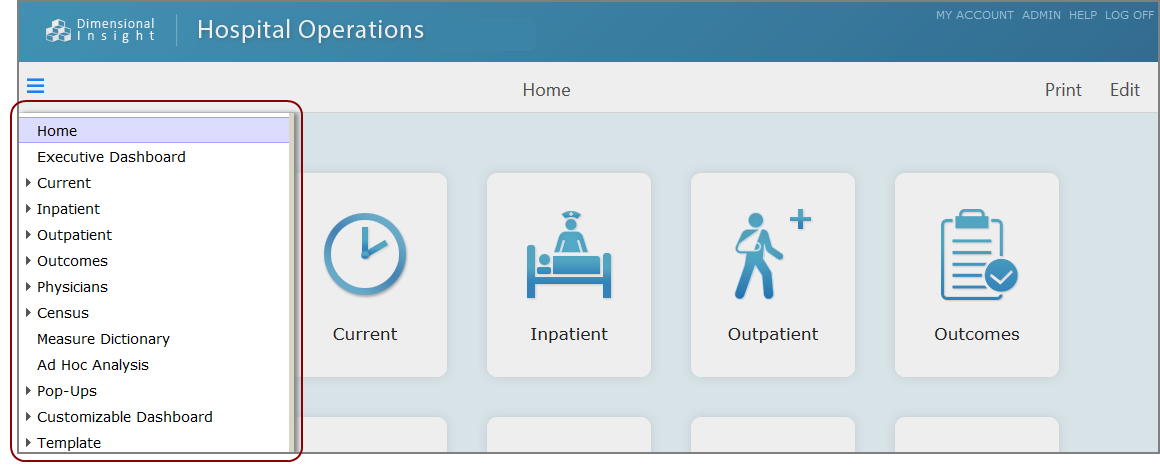
Simplified interface with open sidebar.

Classic Interface

The classic interface presents menu items as tabs and expandable lists.
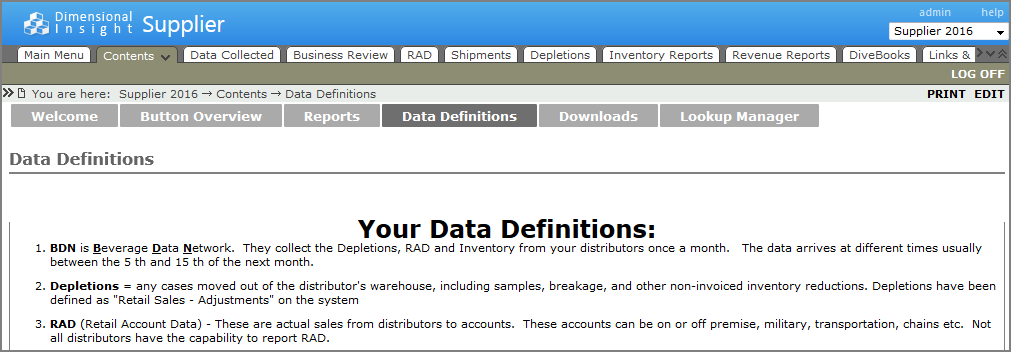
A DivePort page using the classic interface.

A ClosedSideBar is available on this interface as well.
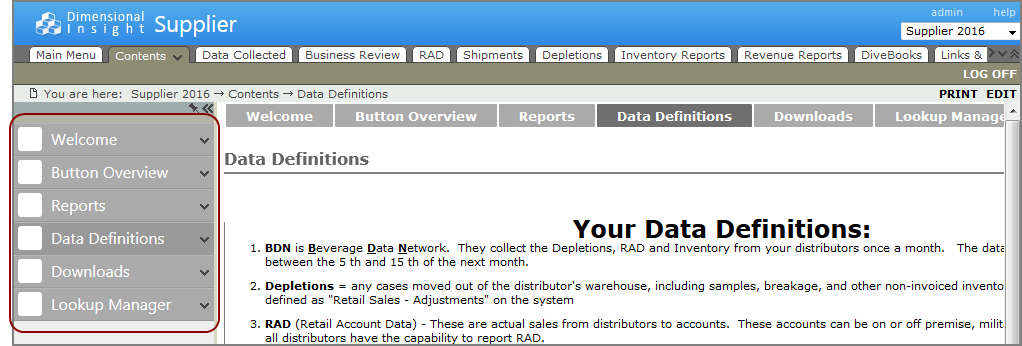
Classic interface with the SideBar open.

See also: