Creating an Analysis Table
Creating an Analysis Table requires you to make an Analysis Table .at script in Workbench, and then set that Analysis Table as an input source in DivePort, DiveTab, or Gateway.
To create an analysis table script in Workbench:
-
Click File > New > Analysis Table.
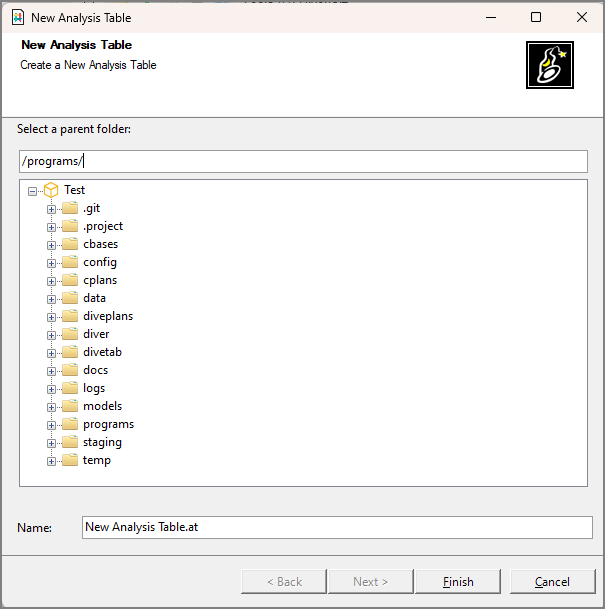
The
 New Analysis Table dialog box opens.
 -
Select a folder and enter a name for the script in the dialog box.
-
Click Finish.
A
blank script opens in a new tab.

NOTE: You can alternatively right-click in a folder in the Workbench Explorer and click New > Analysis Table. The new script opens directly and focus is set to rename the file in the Workbench Explorer.