Spectre Build Expand Object

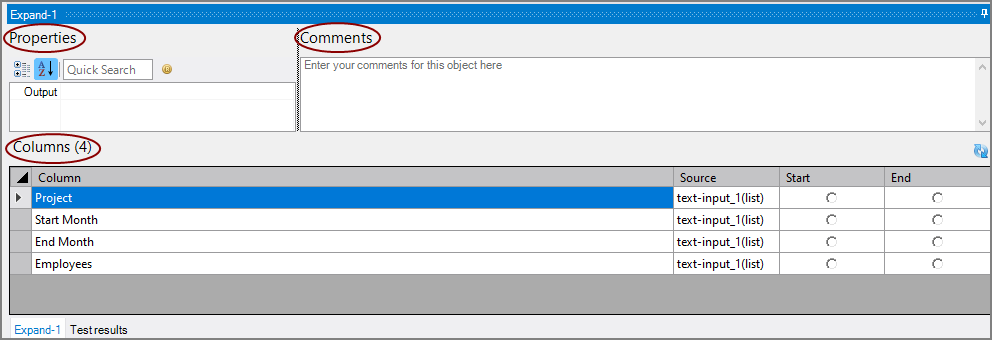
The expand object has  three panes where you set attributes.
 Columns
The Expand object column grid displays the columns available to expand. A count is included in the heading. The context menu on the Columns grid supports the following row actions: Copy and Paste.

| Attribute | Description |
|---|---|
| Column | Lists the column names. Read only. |
| Source | Lists the source object for the column. Read only. |
| Start | Indicates the column containing the starting value for the expand operation. |
| End | Indicates the column containing the ending value for the expand operation. |
Properties
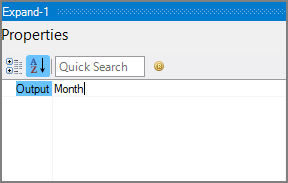
You can set attributes for the Expand object in the Properties pane.
| Attribute | Description |
|---|---|
| Output | Defines the name of the output column containing the expanded values. |
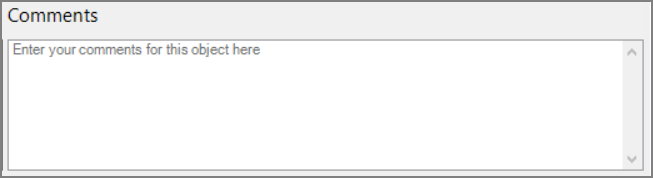
Comments
Each object has an area where you can enter comments for documentation purposes.
It is a DI best practice to enter a note for every object in a Spectre build script.