You can import Workbench projects that have been created on another DiveLine into your DiveLine as a new project.
Prerequisite: You need access to the file folder with the Workbench project you want to import.
-
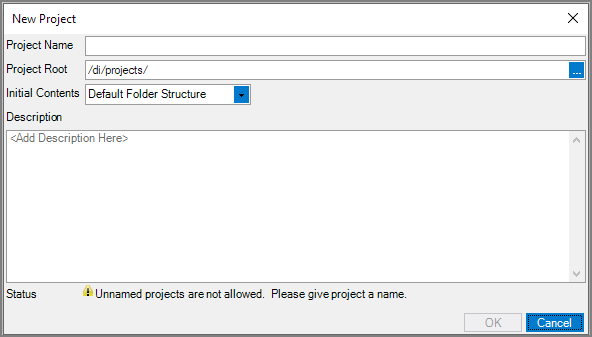
Open the New Project dialog box by using one of the following methods:
-
Click File > New > New Project
-
In the File > Open Project dialog box, at the lower left, click Create New Project
-
In the Tools > Server Settings > Projects sub-tab, at the top of the project listing, click Add Project
The
 New Project dialog box displays.
-
-
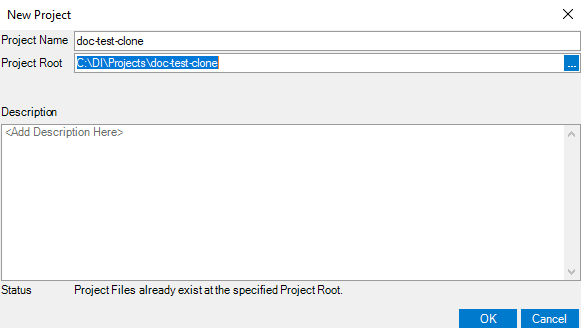
In the Project Root box, edit the path to be the file path of the Workbench project you want to import. The Project Name automatically fills in as the name of the Workbench project you selected and the
Status becomes Project Files already exists at the specified Project Root. You may change the project name. -
In the Description box, enter an optional description for this project.
-
Click OK.
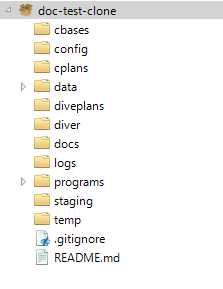
A new project with the contents of the existing Workbench project is created and opens in
Workbench Explorer.