Document areas are defined in an areas block of a DiveTab module and appear similar to the following:
  areas {
    document-area id = "document-area-code-sample" {
      title "Document Area <br> Code Sample"
      icon "/divetab/images/menu icons/47.png"
      icon "/divetab/images/menu icons/46.png" retina = true
      path "/divetab/documents/DiveTabUserGuideiPad17.pdf"
    }
  }
Here is how the  button appears in DiveTab.
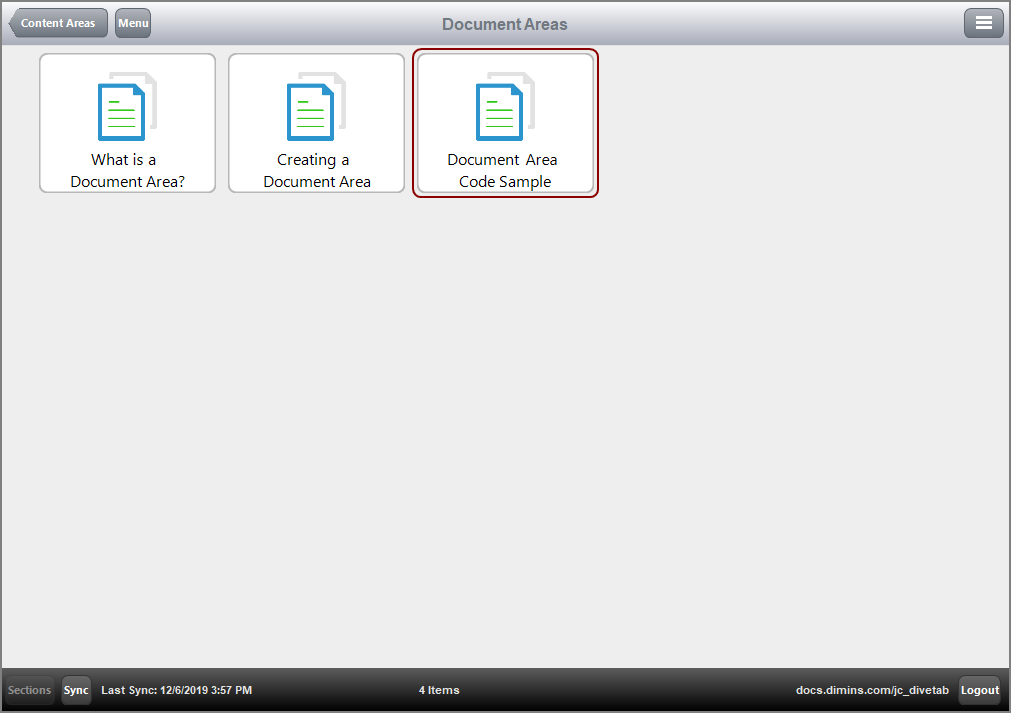
Here is the resulting page of the associated document.

NOTE: Only pdf files open within DiveTab. Other file types open with their corresponding applications.
See also:
- What is a Document Area?
- Creating a Document Area
- Document Area Code Block
- Document Area Tags
- Using a Document Area