Tips to Improve Search Results
Workbench utilizes a keyword-based Help system. This technology searches the Help system for words that you enter in a search box, and returns a list of pages that contain those words.
When you enter a sentence or phrase in the search box, the Help applies an AND operator to the major words in the phrase. For example, if you enter
NOTE: The search engine supports a limited number of non-alphanumeric character. If you use a character that is not supported, an Ensure that the search string is properly formatted message appears.
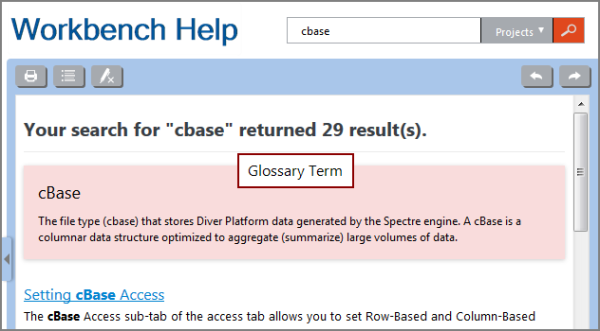
To find the information that you are looking for:
- Be as precise as you can. Standard English words can appear on hundreds of pages in the Help system, resulting in several dozen matches.
- Use keywords, not questions.
- Enclose phrases in double quotation marks to find exact phrase matches.
- Use the search filter.
- Do not use special characters.
- Try variations of a word or phrase.
- Note that search terms are case-insensitive.
- Verify the spelling.
NOTE: Search results are highlighted when there is an exact match. For example, if you search for measures, the single form measure is found, but is not highlighted. You can remove highlighting by clicking the Remove Highlights icon.
