You can edit the contents of a graph as well as the graph formatting options. You can use tags and labels for annotations and presenting details about graph objects.
There are multiple tools available for editing graphs:
 Graph toolbar—Edit tools are available when the graph is unlocked.

For more information, see Graph Toolbar.
Context-sensitive menu—Available when you right-click the graph.
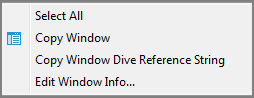
For more information, see Using the Graph Context-Sensitive Menu.
Graph Options dialog box—Available when you double-click an object on an unlocked graph.
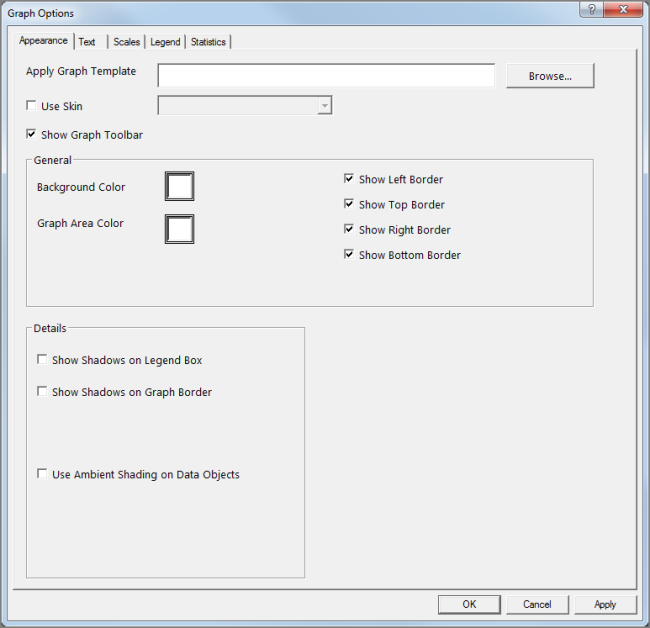
For more information, see Selecting Graph Options.
Data Attributes dialog box—Accessible by clicking the Graph icon on the ProDiver toolbar.

NOTE: On the Set Data Attributes dialog box, you can click Back to select a different graph type and click Graph Options to open the Graph Options dialog box.
For more information, see About Graph Attributes.