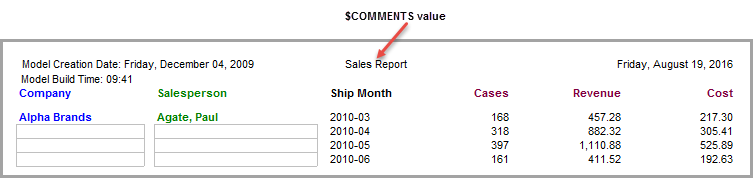
Adding a Comments Item
If this variable is not included when the cBase or model is created, the $COMMENTS area is blank, but you can enter text directly in the text box on the Add Item and Edit Item  dialog box, Data tab.
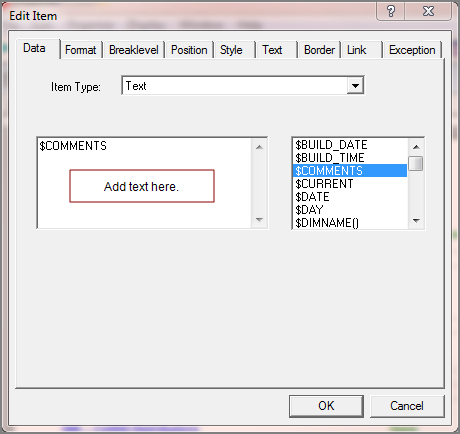
To illustrate how to enter text into a report, open any ProDiver report or open the inserting_metadata marker created in the Adding a Build Date and Build Time Item topic.
Complete the following steps:
-
Open a cBase or model and build a tabular report or open the inserting_metadata marker.
-
Unlock the report, and click the Add Item icon.
-
For the Item Type, select Text.
-
Select the $COMMENTS variable.
-
In the text box,
add a space after the variable and enter Sales Report. -
Click OK
to view the report. -
Click File > Save Marker as inserting_metadata to continue using this report in other topics.