Editing the Measure Factory Configuration File
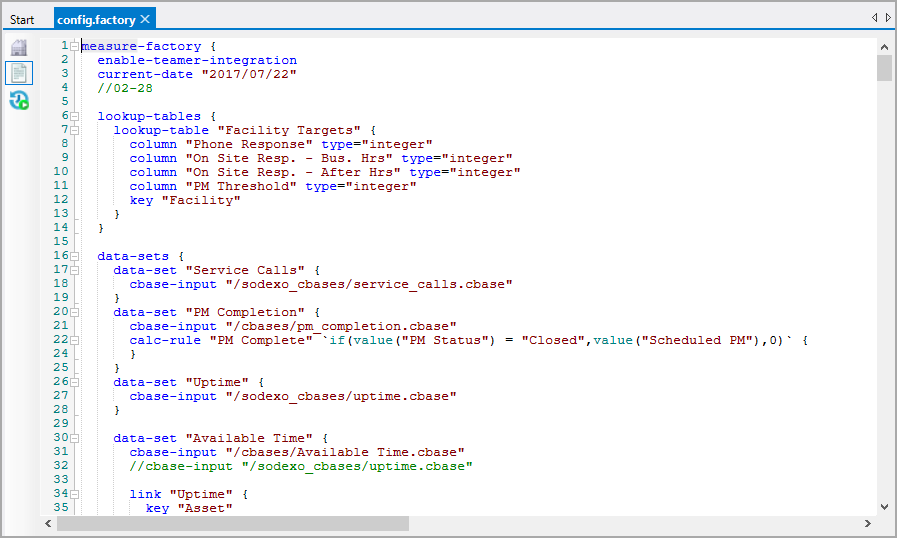
By default, the Measure Factory Configuration file opens in the Measure Factory Editor. You can use this tool to edit measures, rules, and data sets. To edit other sections of the file, you must use a text editor.
Measure Factory Editor View
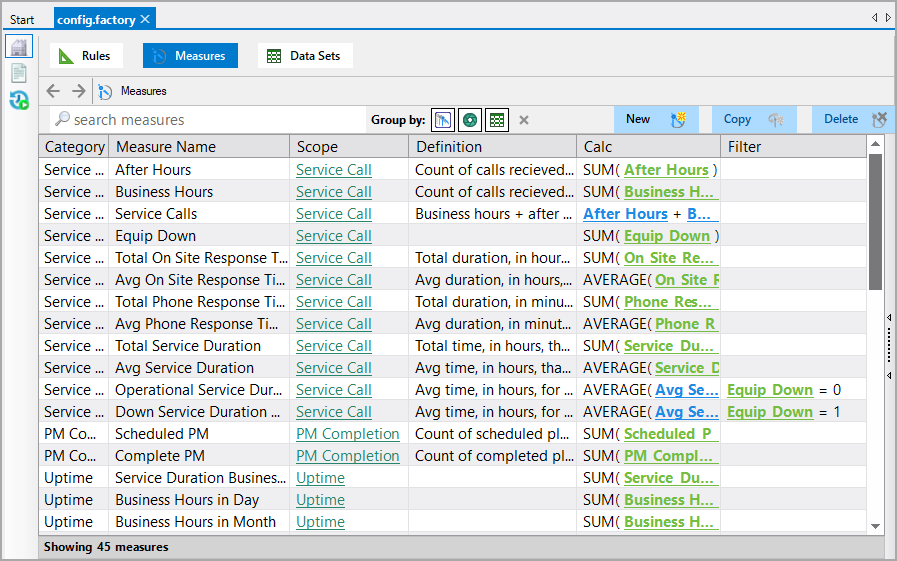
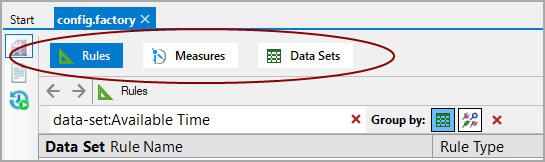
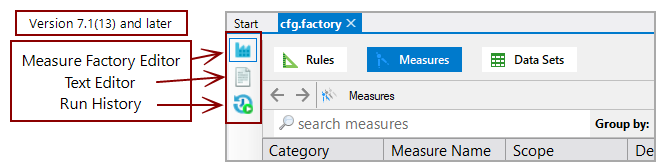
The Measure Factory Editor displays separate pages for Rules, Measures, and Data Sets. At the top of the page, click the option that you want to work with.
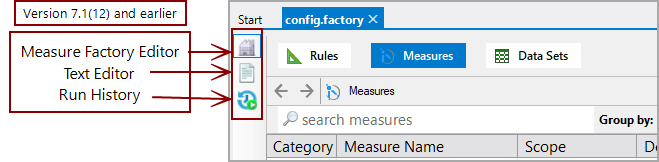
You can use the view switcher to switch between the Measure Factory editor and a text editor, or to see the run history.
Text Editor View