Downloading and Extracting the Developer Installation Package
This topic describes how to download and extract the Diver Platform Developer 7.2 Windows software package. See Downloading the Server Installation Package for information on how to locate DI installation files.
NOTE: Install Diver Platform Developer on your local computer, not the server.
See Building the DI Directory Structure to prepare the client computers.
Complete the following steps:
-
On the software and documents
 download page on DI-Download, locate the latest version of the Diver Platform Developer 7.2 Windows installation package, and click the version number.
 The
Opening download verification dialog box opens.
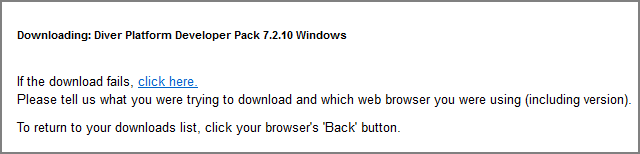
The
Downloading page opens in the browser. If the Opening dialog does not open automatically, follow the instructions on the page. -
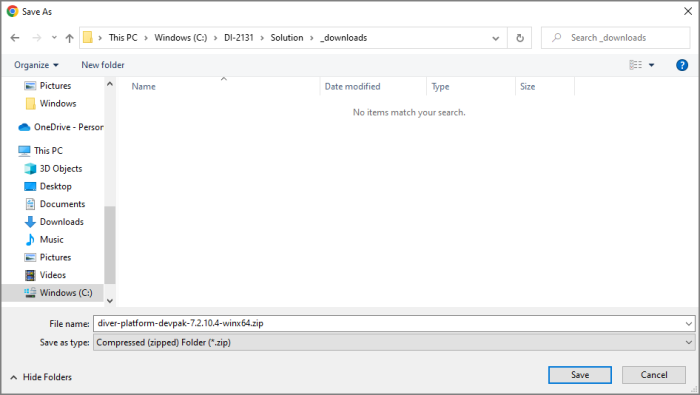
Save.
The Diver Platform Developer 7.2 software package is saved to the Downloads directory on your local computer.
- Move the developer package to the DI\Solution\downloads directory.
-
Right-click
the package and select Extract All, or use a third-party tool, to unzip the file.
The following executable files are extracted to the directory: