Connecting to a DiveLine Server
To connect Help Desk to a DiveLine server:
-
Click Session > Connect.
The
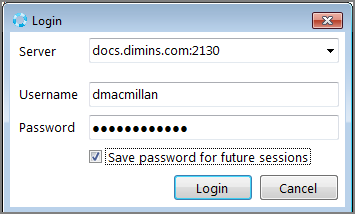
 Login dialog box displays.
 -
Supply the server name and your login credentials. Click Save password for future sessions if you want to store your credentials.
NOTE: The DI default port of 2130 is assumed. To connect to another port, append the server name with a colon and port number. For example: docs.dimins.com:7000.
-
Click Login.
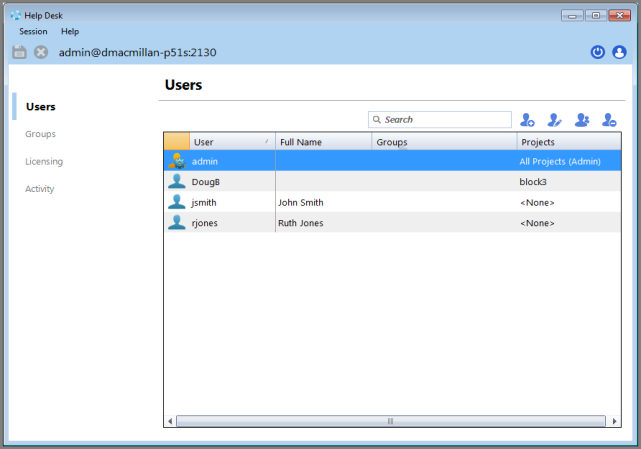
You are logged in and the
Users tab displays.
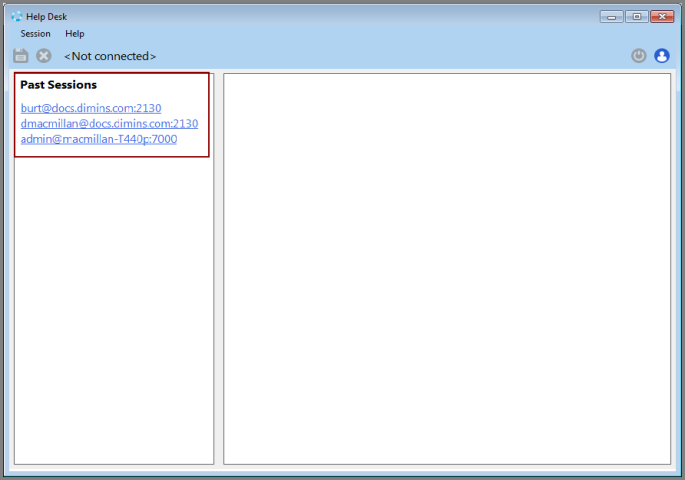
When you next open Help Desk, shortcut links to past sessions allow you to quickly log into a recent connection without supplying credentials.