Installing Gateway
The Gateway application is available for use on the iPad and PC, with minor differences in appearance. Different devices require different methods of installation.
Installing on the iPad
Gateway is available as an application on the App Store. The initial download of the application is free, as are subsequent updates.
- Sign into www.dimins.com/ using your user name and password.
-
Click the
 DI-DOWNLOAD link under the DI-Download section.
 -
In the list, find the DiveTab-PC file and click the
version number. -
Your browser prompts you to run or save the file. Save the file, to a place of your choosing.
A dialog box opens asking whether you want to save the file.
NOTE: Some systems choose a location automatically, typically the Downloads folder.
-
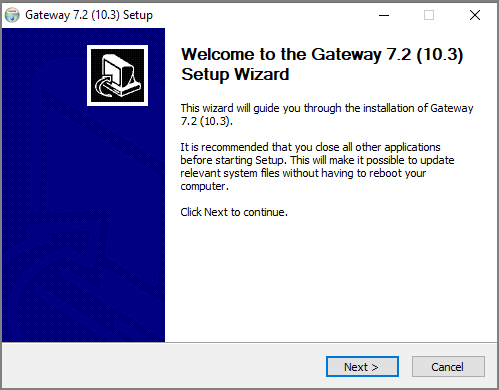
Navigate to the folder where Gateway-Setup.exe is stored, and double-click the file to start the setup.
The
Setup Wizard window opens. - Follow the instructions in the setup wizard to complete the installation.