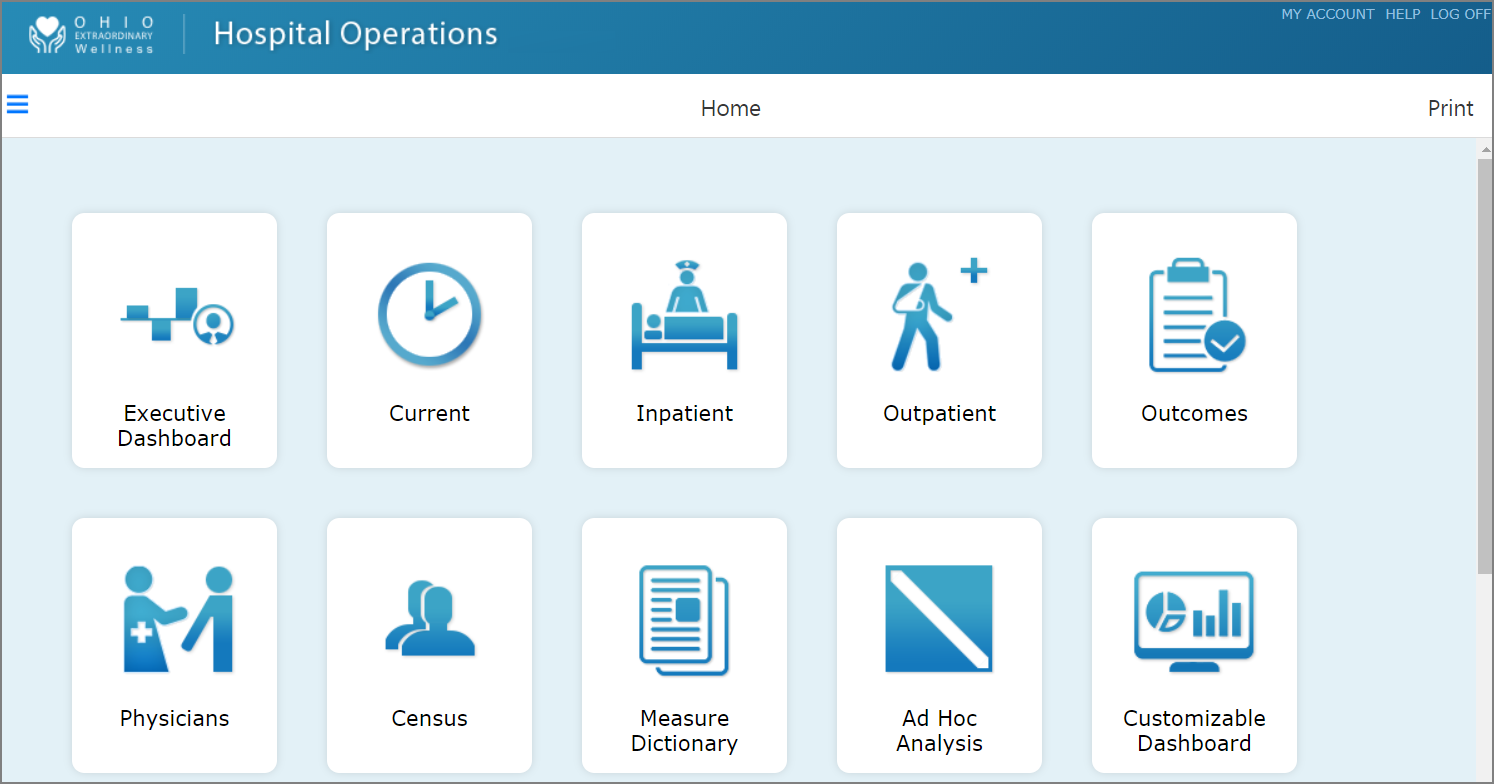
The simplified interface presents menu items as labeled graphics.
-
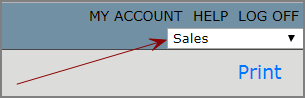
If you have access to more than one environment, use the environment list to,
 select the environment that you want to work in.
 -
Go to a page using the options that your administrator specified. You might be able to navigate the following ways:
-
Page links—Click a
page link on the home page. -
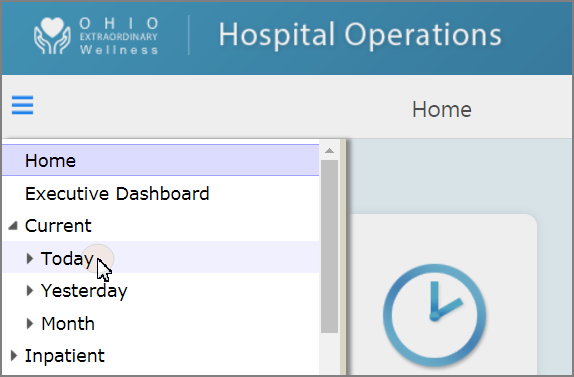
SideBar—If available, on the toolbar, click the SideBar icon
 , and select a page from the navigation list.
 -
Bookmarks—In the upper right, click My Account, and select
Bookmarks.TIP: Select My bookmarks only to view only the bookmarks that you created.
-
Site maps—Click the name of a page on a
site map. -
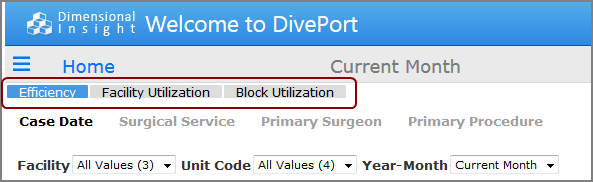
Table of contents—Click a tab on a
table of contents.NOTE: Tables of contents typically appear on secondary pages, rather than on the home page.
-
- To return to the previous page, click Back on the toolbar.
- To return to the home page, click Home on the toolbar.