DivePort  pages display the data and other content that you work with. DivePort administrators create pages and specify their content.

Pages are divided into three sections: title bar, page navigation and toolbar, and the page body.
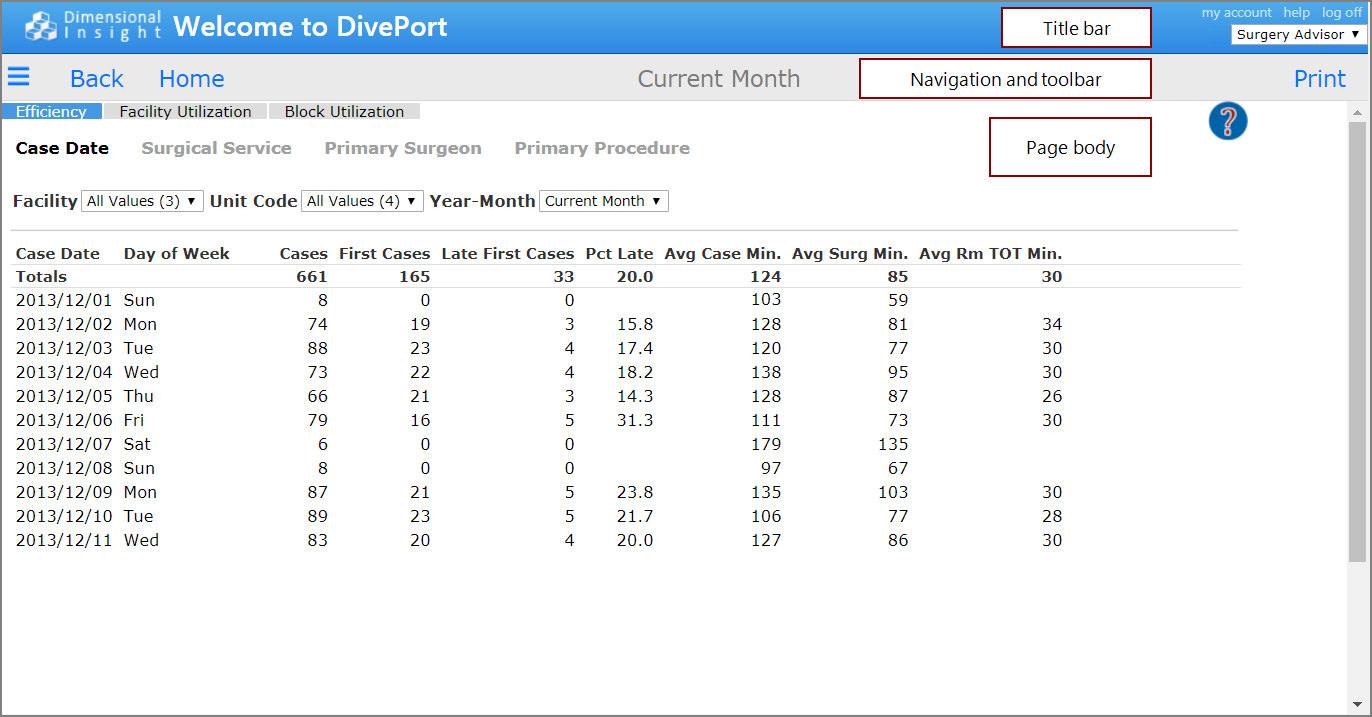
Title bar

On the title bar, you can:
-
Click My Account to change your password.
The My Account menu is available only if certain configuration options are specified by an administrator.
-
Click Help, and select an option:
- Select View User Help to access DivePort's user assistance.
-
Choose About to view details about your version of DivePort.
-
Click Log Off to end your session.
-
Choose an environment to work in.
The environment selector list appears only if you have access to more than one environment.
Navigation and Toolbar
The navigation bar contains tools and information that are specific to the current page. The page name is centered on this bar.
Page body
The page body displays the data and other content that you work with.
SideBar
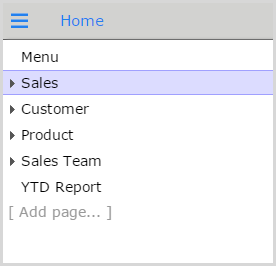
SideBar icon  . The SideBar appears on the left of the page body, showing the top-level pages by default. You can expand list items to access child pages.
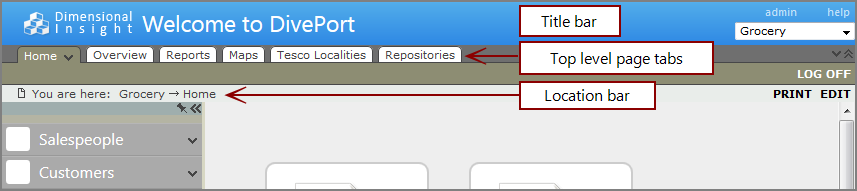
NOTE: If you are using the classic interface, top-level page tabs are located below the title bar, and a location bar is located below the page tabs.
See also: