What Is a Self Service Page?
A self service page is an interactive DivePort page that allows
If the DivePort self service feature is enabled, users can access a specific self service page that is available only to them and portal administrators. Administrators can view all user self service pages, but by default, non-administrator users can view only their own page.
A self service page in the simplified interface.
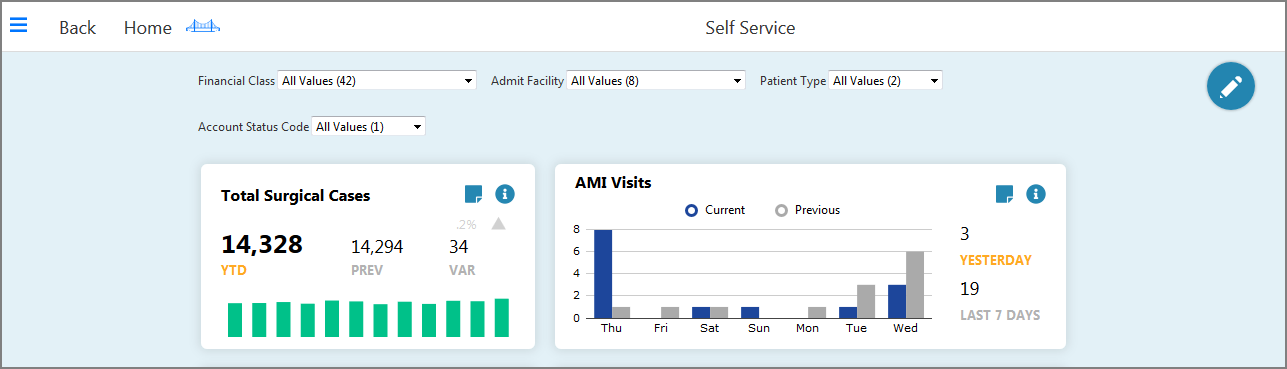
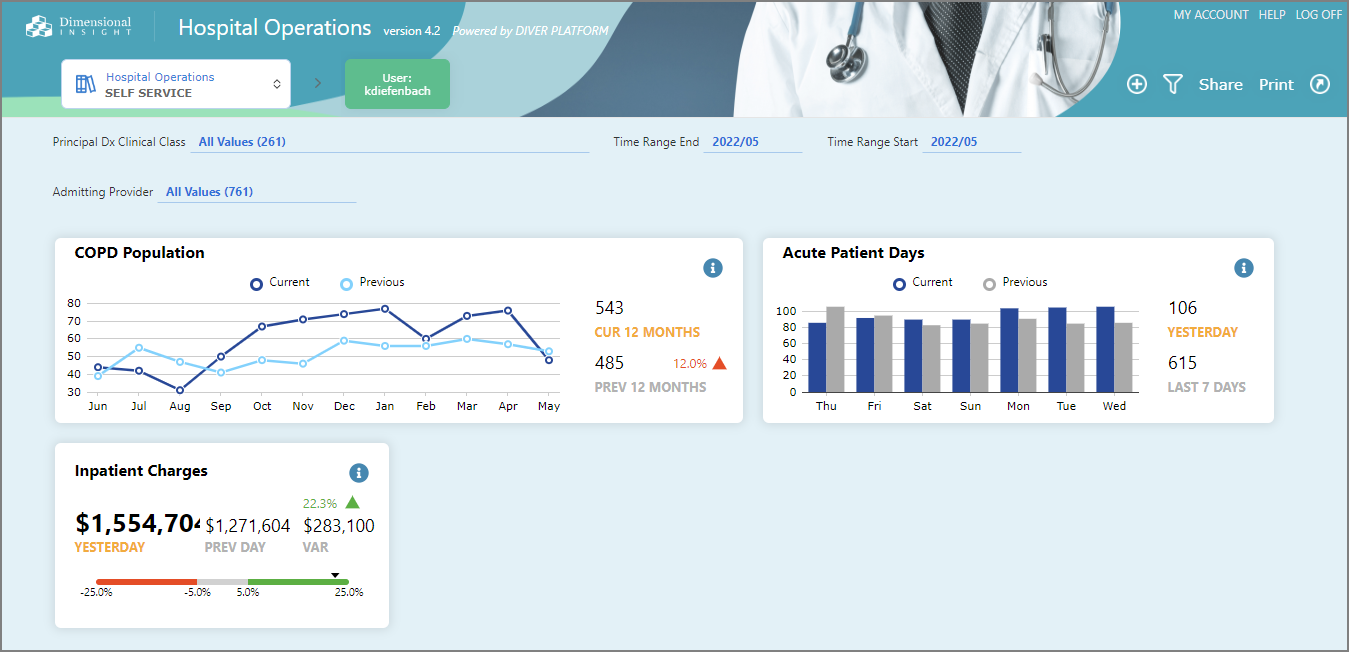
A self service page in the My Library interface.
NOTE:
TIP: To save your self service page in pdf format, on the toolbar, click Print > Print to PDF.

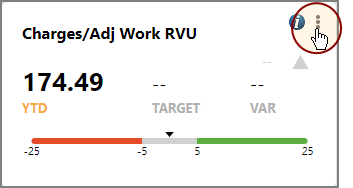
To enable a stamp for editing on the simplified interface, on the upper right corner of the DivePort page, click the Edit stamp icon  .
.
To enable a stamp for editing on the My Library interface, on the upper right corner of the stamp, click the edit icon  and select Change Display.