Focusing Data in a Measures Portlet
The DivePort focus feature enables
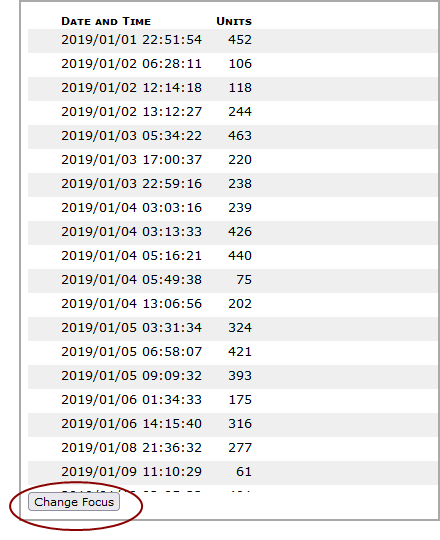
When you click Change Focus DivePort displays a check box column that you can use to select the rows that you want to focus on.

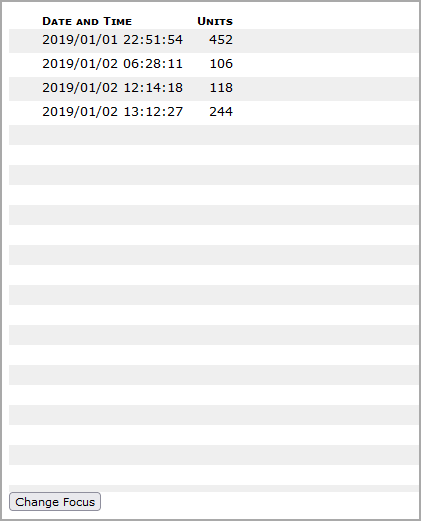
After you make your selections, click OK. DivePort hides all unselected rows.
NOTES:
-
While in focus mode, if you click Change Focus, an Unfocus option is added to the bottom of the portlet. Select it to return to the original, unfocused state
-
If the portlet has a Totals row, when in focus mode, the Group total is shown.
-
If a Totals row is present, a separate check box is added that when selected, automatically selects all other check boxes and clearing it clears all other check boxes.
-
Shortcuts or bookmarks made while the portlet is focused retain the focus state.
-
Switching dimensions while the portlet is focused clears the focus.
-
You cannot dive on the Group row.
-
OK is disabled if no rows are selected.